One place to design, translate and ship your store screenshots
Vitrine covers the whole path from a first slide to a live App Store page in every language.
Editor
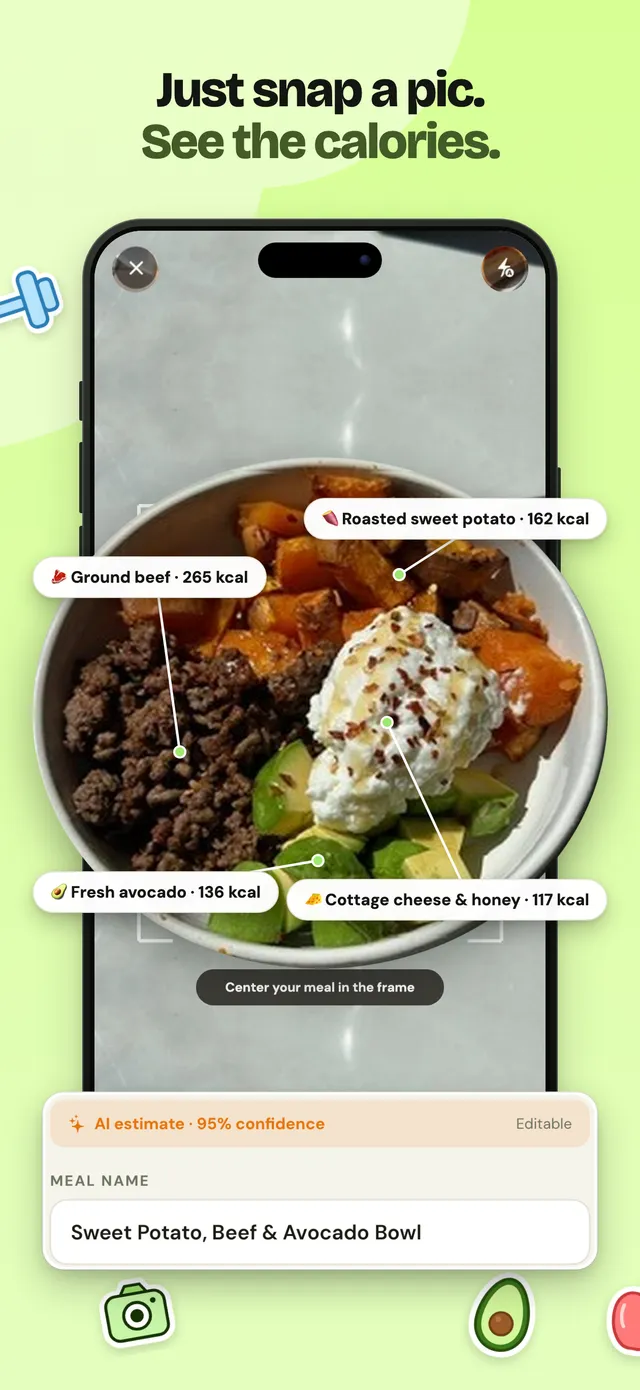
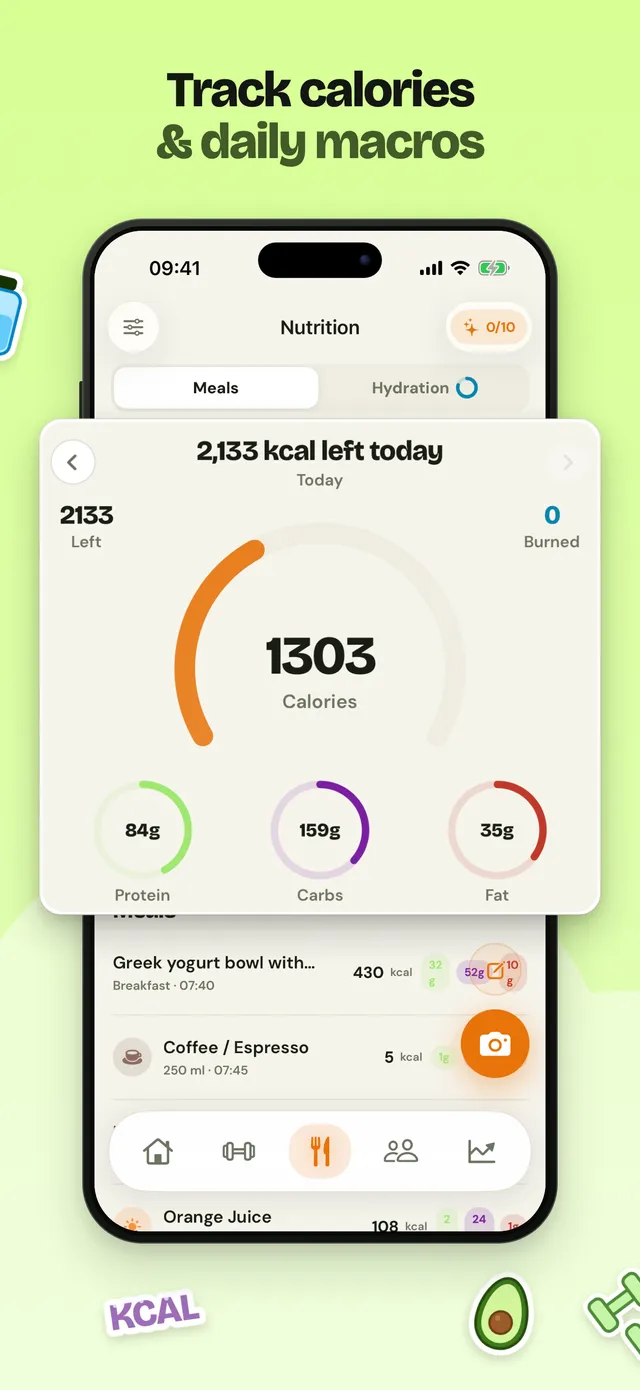
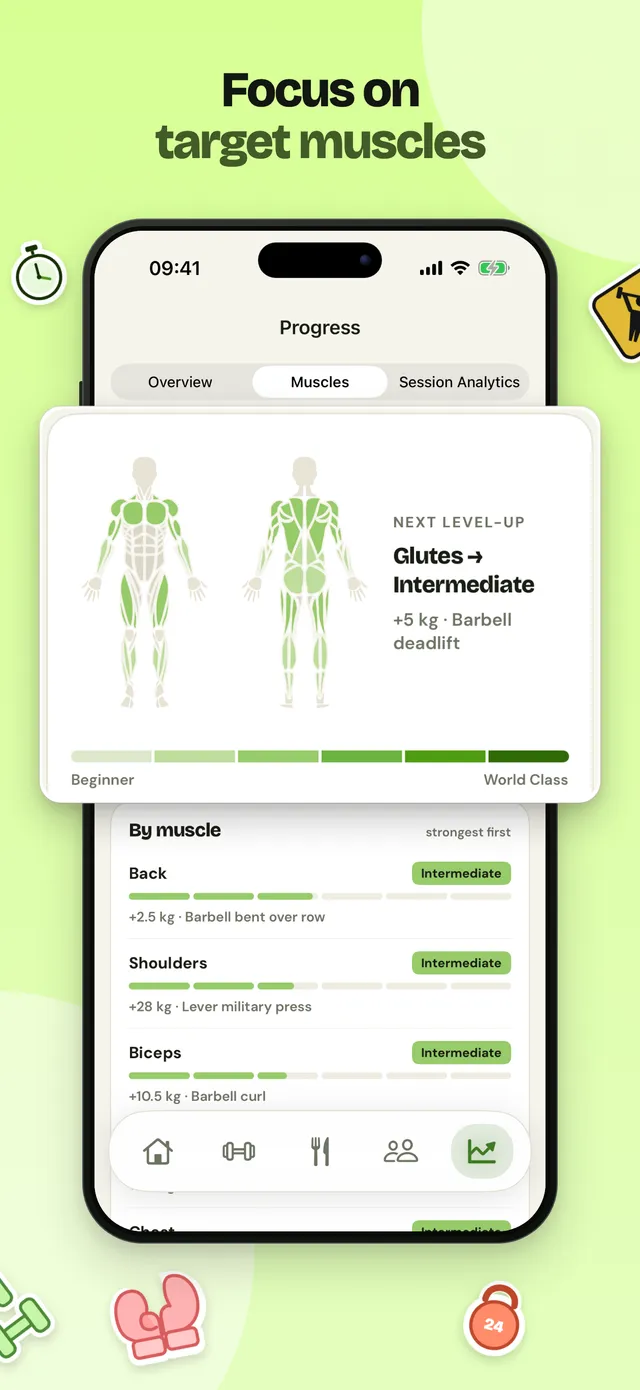
A slide editor made for store pages
Layers, a brand kit, templates and a panoramic band that runs across slides. Elements can straddle two slides, and the same engine renders the preview and the export, so what you see is what ships.
- Design in one reference size, derived to the other iPhone sizes
- Pop-out cards, device frames and screenshots in layers
- Right-to-left languages mirrored properly, per-language overrides when needed
Languages and coverage
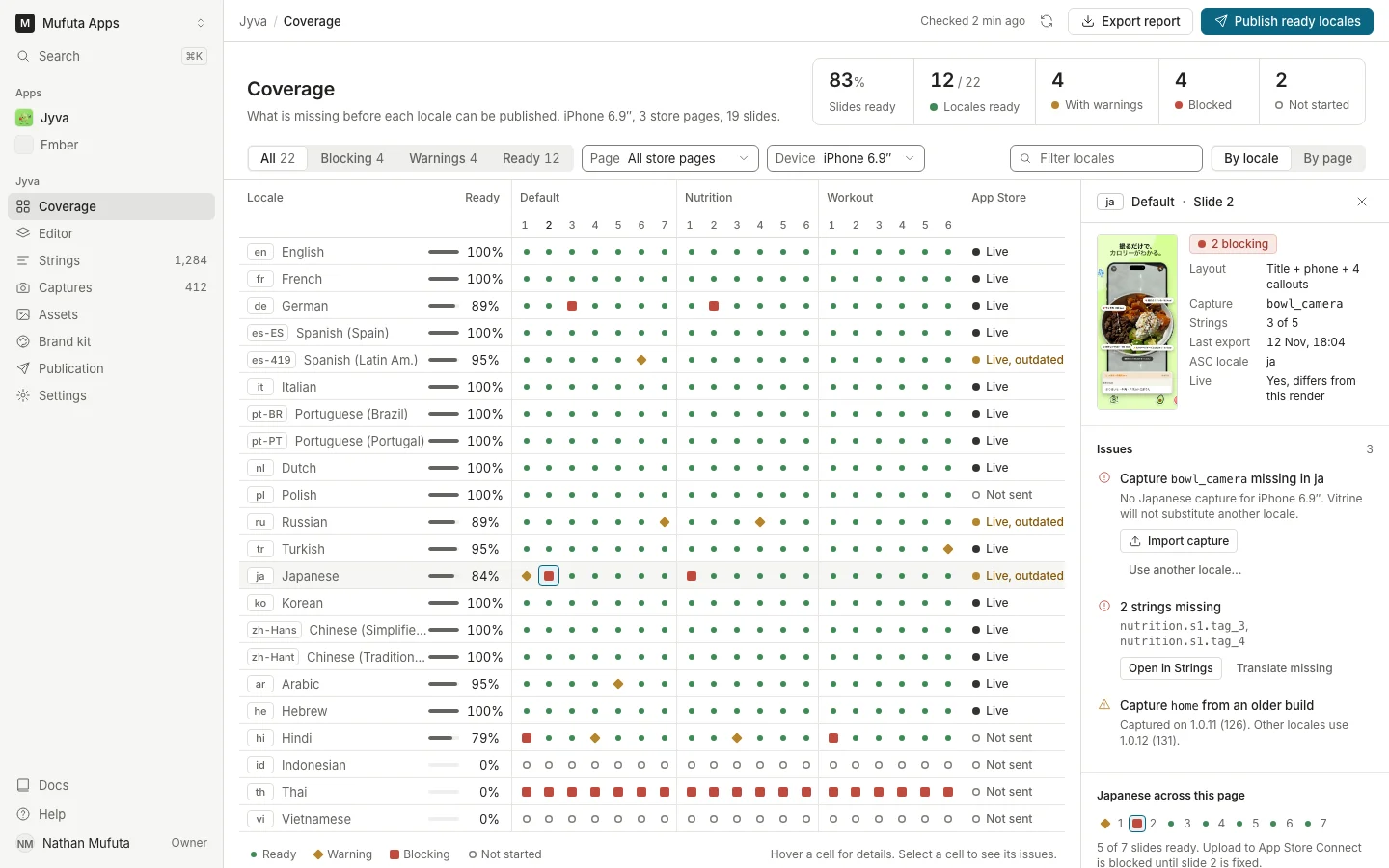
Every language, accounted for
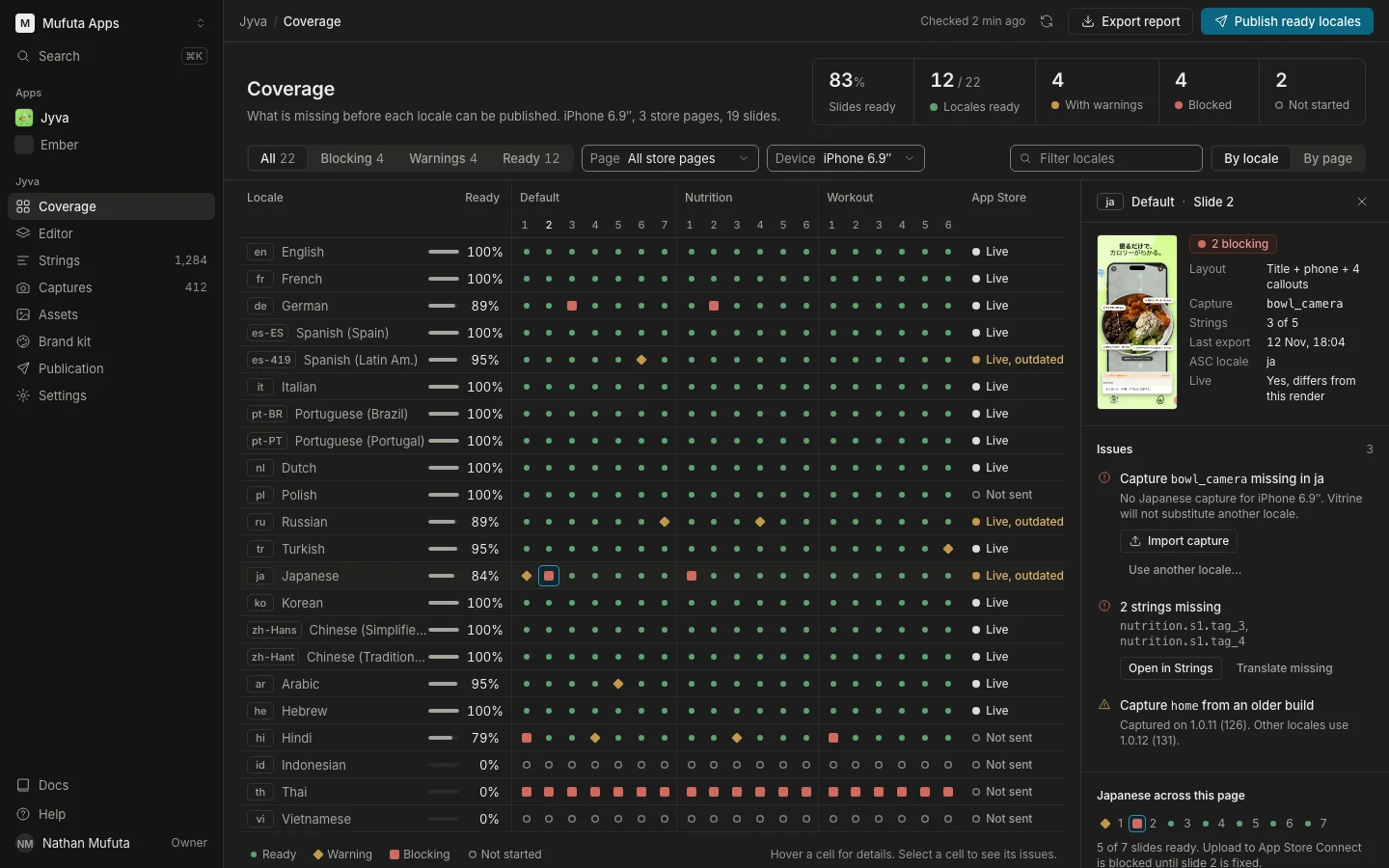
A strings table holds every text. Export what is missing, import translations in bulk, and let the coverage matrix tell you which language is ready to publish and which is not.
- CSV import and export, with a dry run before anything is written
- Checks for overflow, missing characters in a font and stale translations
- Mapping from your languages to App Store Connect locales, including locales with no screenshots of their own
Devices
Sizes that App Store Connect accepts
iPhone sets come first, followed by iPad and Apple Watch. Exports are checked for exact dimensions, color profile and transparency before upload.
- Size table reviewed against Apple’s documentation
- PNG or JPEG without transparency, 1 to 10 screenshots per set
- Review boards per language to check a whole page at a glance
| Target | Size (px) |
|---|---|
| iPhone 6.9" | 1320 × 2868 |
| iPhone 6.5" | 1284 × 2778 |
| iPad 13" | 2064 × 2752 |
| Apple Watch Series 10 | 416 × 496 |
Full list in our screenshot sizes guide.
App Store Connect
Upload and follow the status
Connect with an API key and publish from the editor or the CLI. We follow the version state and surface what Apple returns, in plain words with the raw value alongside.
- Upload per locale, changed-only or everything, with a dry run
- A log of every call, including Apple’s error text
- Key encrypted server-side, never returned to the browser, every use logged
- Ready to submit
PREPARE_FOR_SUBMISSION - Waiting for review
WAITING_FOR_REVIEW
CLI
Everything the interface does, from a terminal
The vitrine CLI pulls and pushes projects as JSON files, renders incrementally, checks coverage and publishes. It runs in CI and is easy for an agent to drive.
- Coverage exits non-zero when a blocking issue remains
- Capture pipelines run on your Mac and feed the library
- Documented project schema
$ vitrine coverage --app jyva --blocking
$ vitrine render   --app jyva --page default --lang all
$ vitrine publish  --app jyva --page default \
    --lang all --changed-only --dry-run
Try it on your own app
Add your app by name, pick a template and see your first slide in a few minutes.
Get Started