One design, every language
Design a single set of screenshots. Every language is rendered from the same layers, including right-to-left scripts.
One design becomes every language of your App Store page. Vitrine checks each locale and publishes straight to App Store Connect.
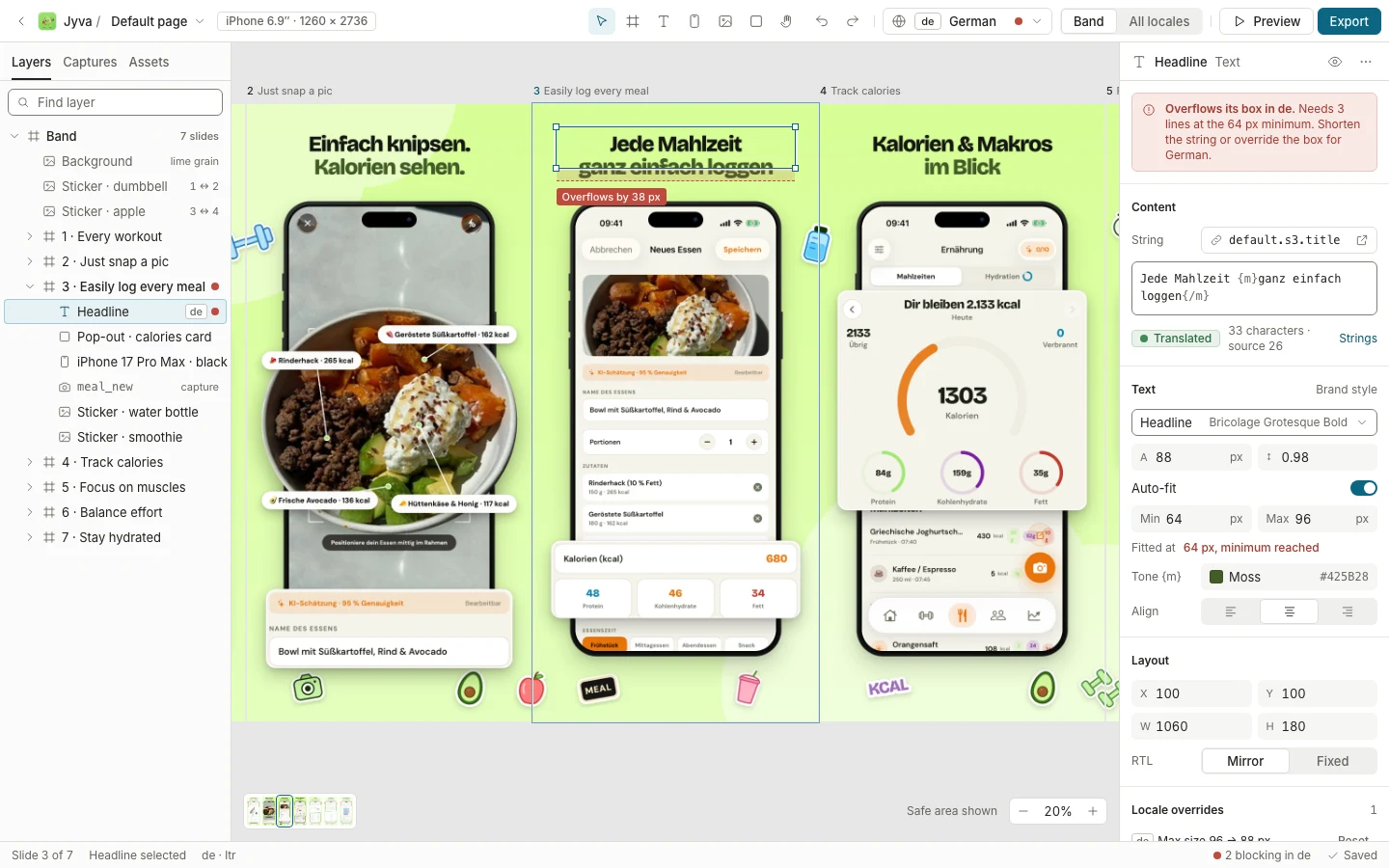
Used on our own apps, Jyva in 22 languages.
Built by the team behind Jyva and Ember.
Type it. We read the public App Store listing and build your project from it: name, icon, languages and the screenshots you have today.
Searches Apple’s public App Store catalog from your browser. Nothing is stored.
Your App Store page today
Built for teams who ship in more than one market.
Design a single set of screenshots. Every language is rendered from the same layers, including right-to-left scripts.
A coverage matrix lists what is missing per language: a string, a capture, a headline that overflows. No silent fallback to English.
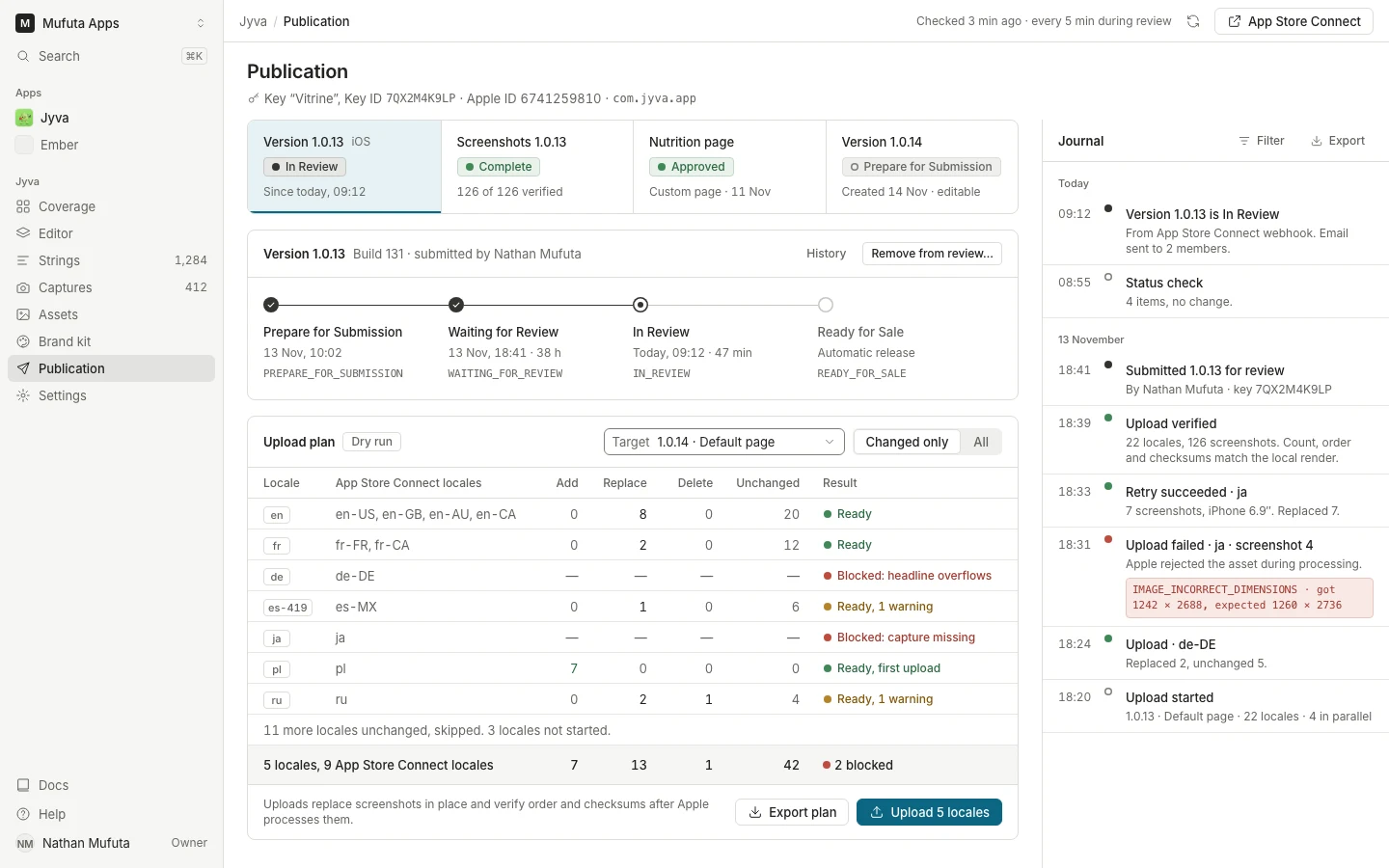
Upload through Apple’s official API, verify count, order and checksums, and follow the version until it is live.
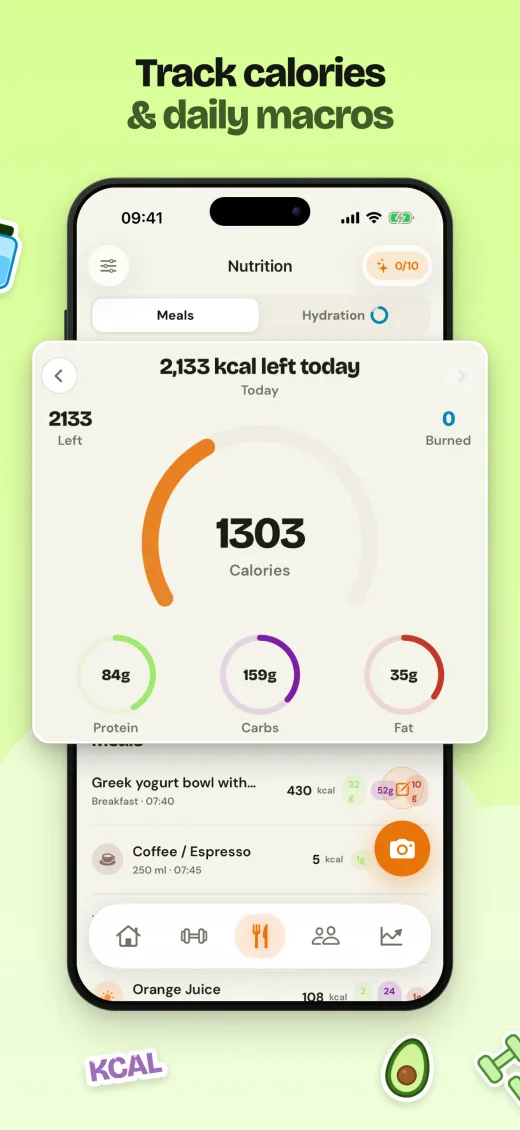
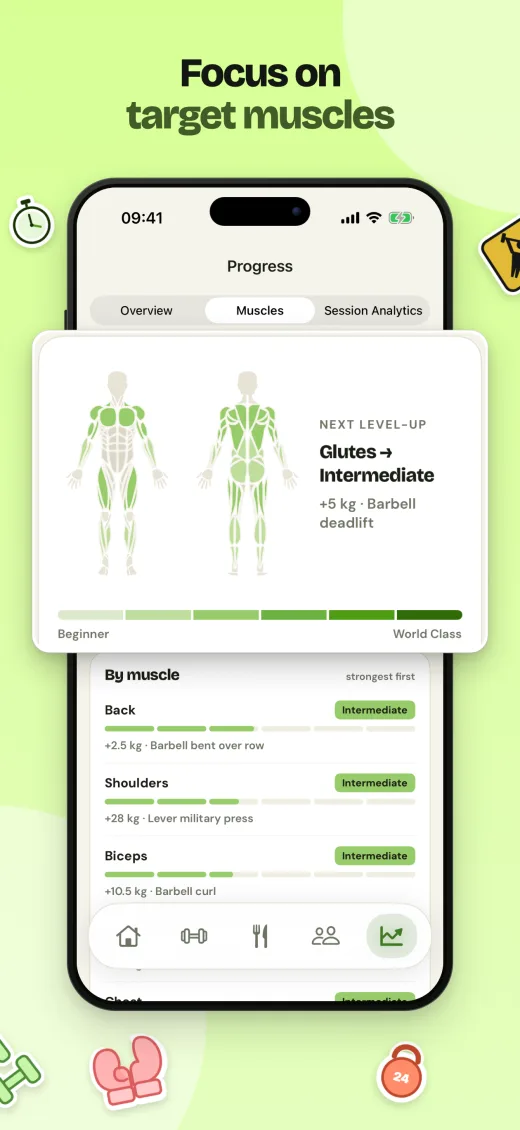
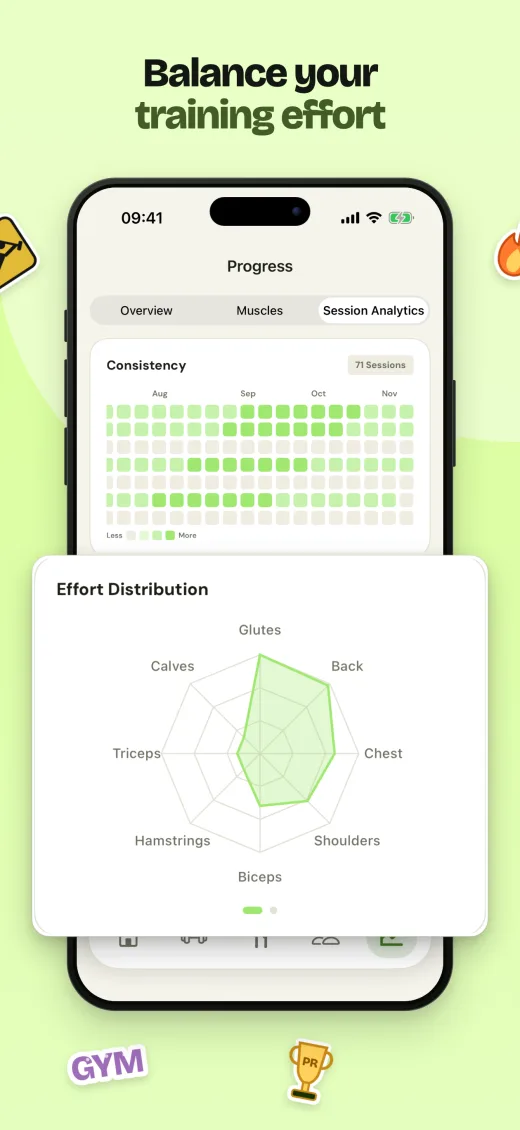
Real exports from Jyva. Arabic is mirrored by the renderer, not flipped by hand.
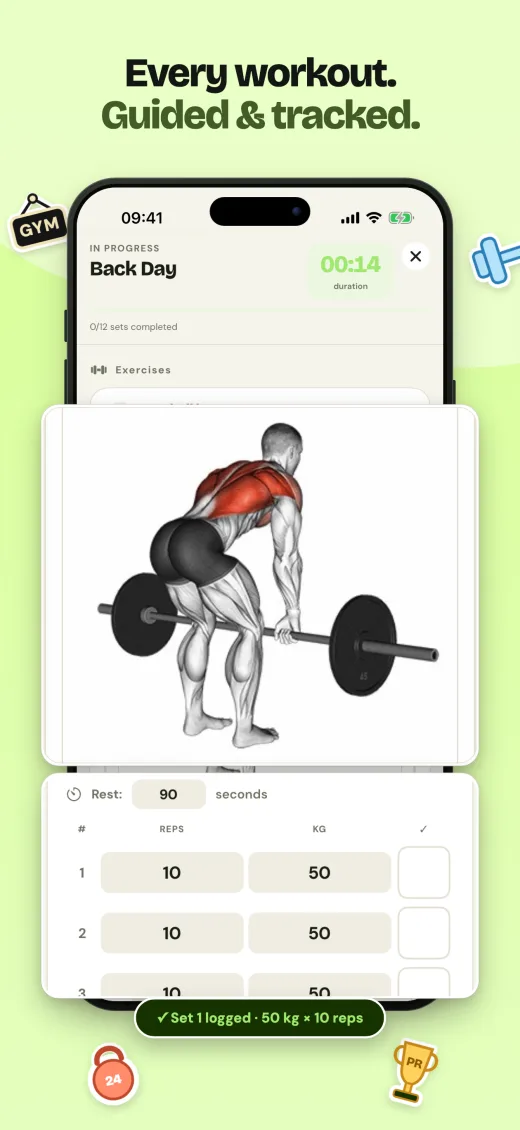
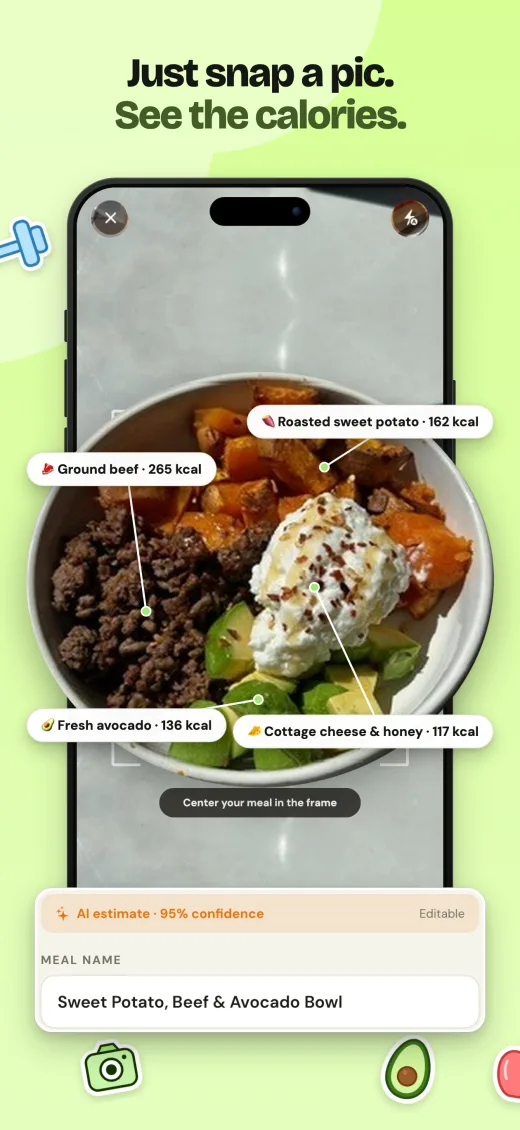
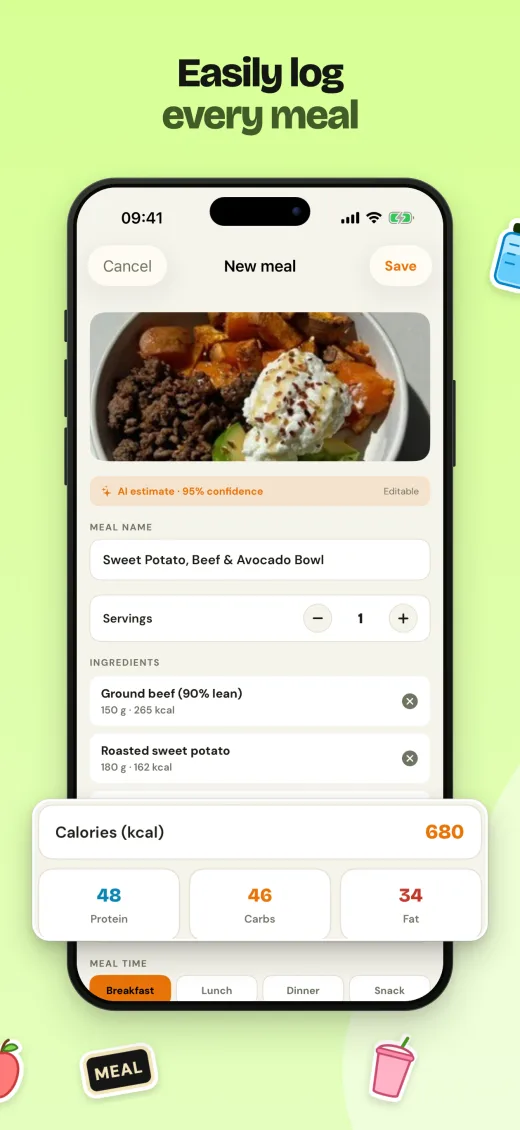
Connect once with an App Store Connect API key. Your key is encrypted on our servers and never sent back to your browser. How to create the key
No. The 14-day Pro trial starts when you sign up. At the end you move to the Free plan unless you choose a paid one.
Only public listing data: name, icon, subtitle, categories and the languages your page already uses. We never ask for credentials to look an app up.
Never. A missing string, capture or font in a language is flagged and blocks the release for that language, so you decide what ships.
Encrypted on our servers and never sent back to your browser. You can delete it at any time.
Type its name. We read the public listing and build your project.
14-day Pro trial. No card required.